Install Txt42 as a part of N1ED editor


N1ED is a WYSIWYG editor that installs as a plugin over TinyMCE or CKEditor, as one script from the CDN, or as a module for Drupal and Joomla. It bundles the file manager, the image editor, Blk42's Bootstrap and Tailwind blocks, and Txt42. So if you run N1ED, the AI assistant is already on the toolbar: nothing more to install.
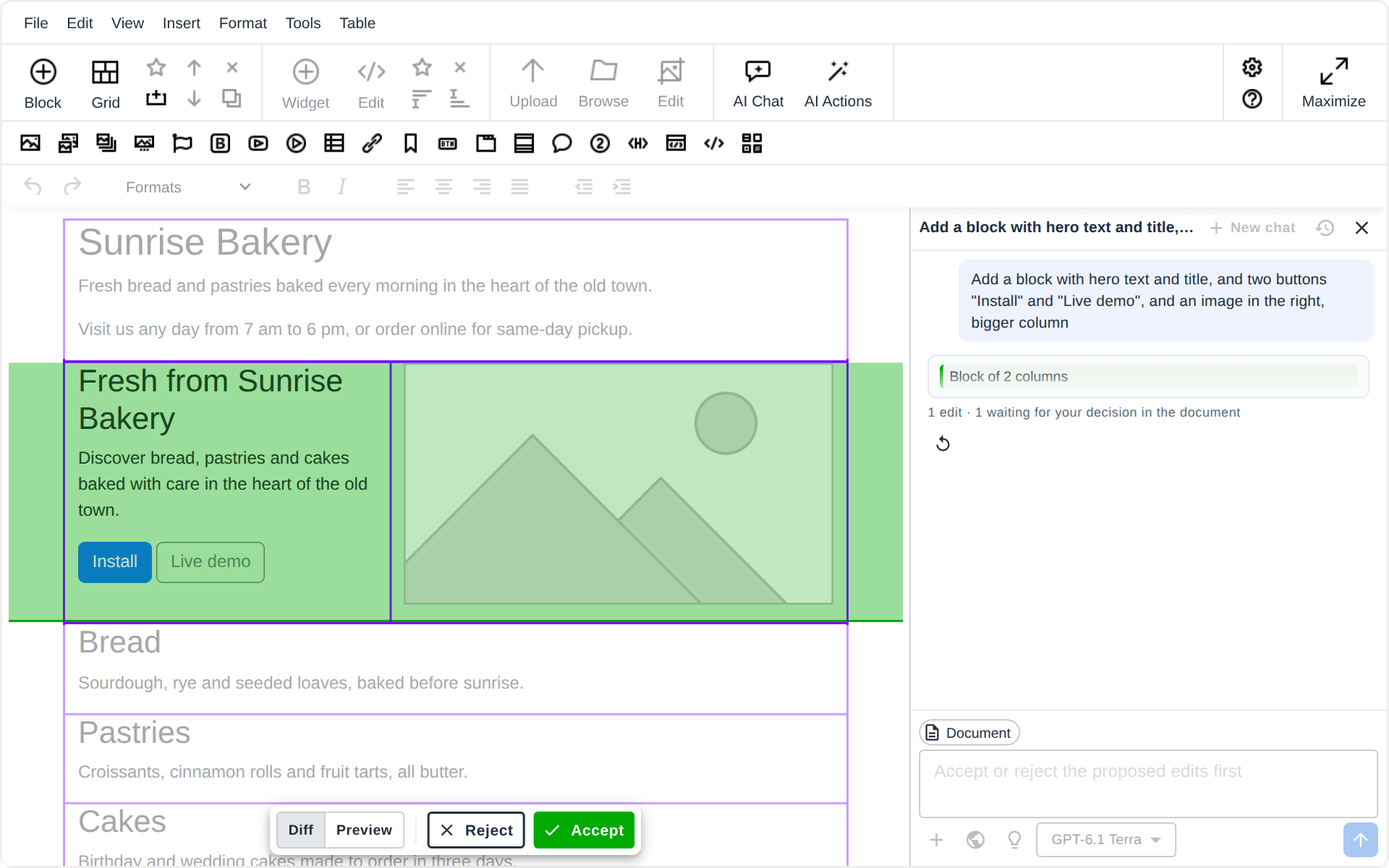
On a key with a Txt42 plan, N1ED's toolbar has AI Chat and AI Actions, and with Blk42 the assistant builds layouts too: grid blocks from a prompt, on Bootstrap 5 and Tailwind 4 pages (Layouts in N1ED).
Install N1ED
Pick your editor or CMS on the N1ED installation page and follow its steps.
Set your API key
Get a key in the N1ED Dashboard and paste it into your N1ED configuration. Txt42's settings are in that key's Txt42 section there: the AI provider keys, the chat and the limits (Configuration).
Ready to Use