Configuration
Txt42 is configured in the Dashboard, on the API key your website uses, in its Txt42 section. Nothing is set in your code but the key itself, and a change in the Dashboard reaches the editor on the next page load.
AI provider keys
On the Enterprise plan Txt42 runs on your own accounts with the AI providers (bring your own key, BYOK). Each key you enter adds that provider's models to the chat:
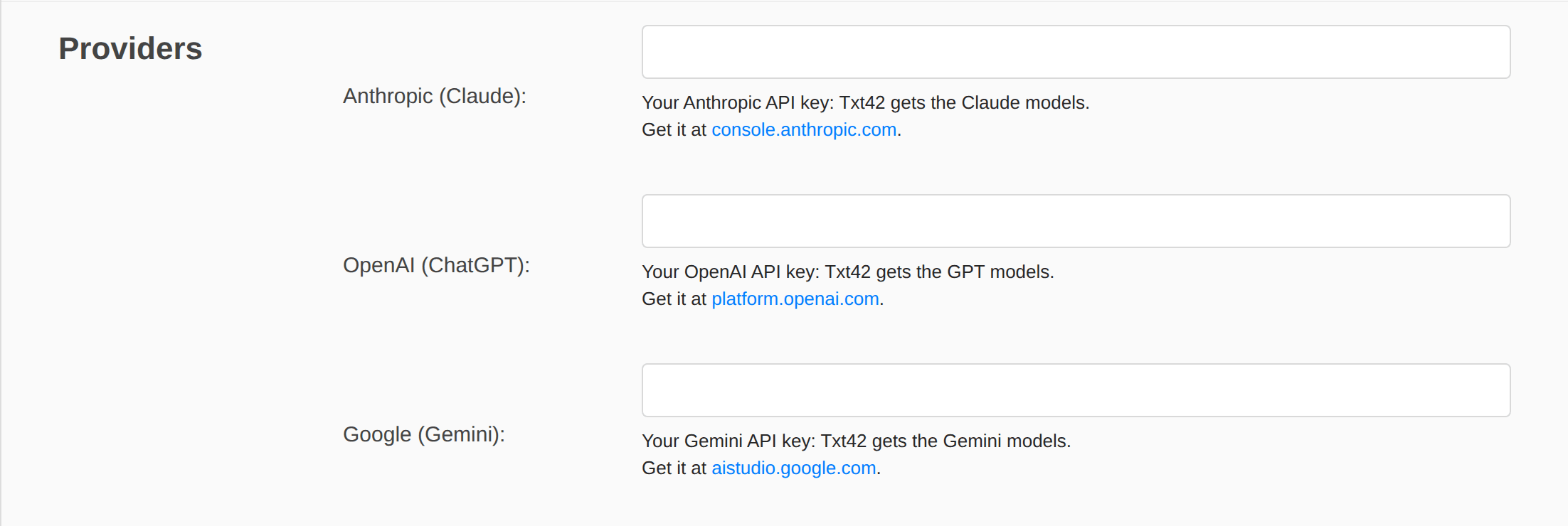
| Field | Models | Where to get the key |
|---|---|---|
| Anthropic (Claude) | Claude Sonnet, Opus and Haiku | console.anthropic.com |
| OpenAI (ChatGPT) | GPT | platform.openai.com |
| Google (Gemini) | Gemini | aistudio.google.com |
The keys are read by our AI service only. The Dashboard masks them, and they never reach the editor or the page. The provider bills the AI usage to your account, so set a spending limit there; with Anthropic, a workspace of its own for Txt42 keeps that usage apart.
Proxy URL. Each provider can also be reached through your own proxy or AI gateway, for example https://gateway.example.com (OpenAI's and Gemini's end with their API version, /v1 and /v1beta). With a proxy the API key is optional, since the proxy may add its own. Our AI service must allow the URL: tell us when you set one.
Users
User identity decides who a person writing is to the AI service, which applies the limits below per person:
- Browser identity (no login), the default: each browser gets a random id of its own.
- Token from my website (JWT): your website signs a short-lived token for the signed-in user, and the editor sends it with every message. Pick the Signature: HS256 with a Shared secret of at least 32 characters, or RS256 with your Public key (PEM).
The token carries tenant (the first 8 characters of your API key), sub (your id of the user) and exp (its expiry, required). The page hands it over through the editor config:
tinymce.init({
    selector: "#editor",
    // ...
    Txt42: {
        // a string, or a Promise of one, from your own backend
        tokenProvider: () => fetch("/txt42-token").then(r => r.text())
    }
});
Chat
- Default model: the model Auto uses. Empty: the first model your provider keys allow.
- Greeting: the text an empty chat shows.
- Preset prompts: one per line, offered in an empty chat.
Limits
- Requests per minute (per user): 20 by default.
- Max output tokens per answer: 4000 by default. It caps how long one answer can be, and so what one answer can cost.
Toolbar
The AI Chat and AI Actions buttons are in the toolbar settings of the key, like every other button.
Content-Security-Policy
If your website sends a Content-Security-Policy, allow https://ai.n1ed.com in connect-src: the editor talks to our AI service there. What goes through it: Where your text goes.